Alice's Lace Requirement Is Not Counting
- Read the exact requirement on the active commission. Keep its number and displayed unit together; do not assume an unlabeled counter is metres.
- In the shop's accessories category, filter for Lace Trim. Check the item's current category instead of relying on “lace” in its name. Lace fabric and a trim accessory are different purchases.
- After updating the Steam game, compare the requirement counter before and after placing a small amount of the selected trim. Stop buying more if the counter does not change.
- Report the commission name, exact item, build, requirement screenshot and before/after count. This distinguishes an item-category mismatch from a counting problem.
The original Alice discussion ↗ includes conflicting reports through September 25: some players resolved a category mismatch, while others still saw a frozen count. Neither restarting nor substituting lace fabric is a confirmed universal fix.
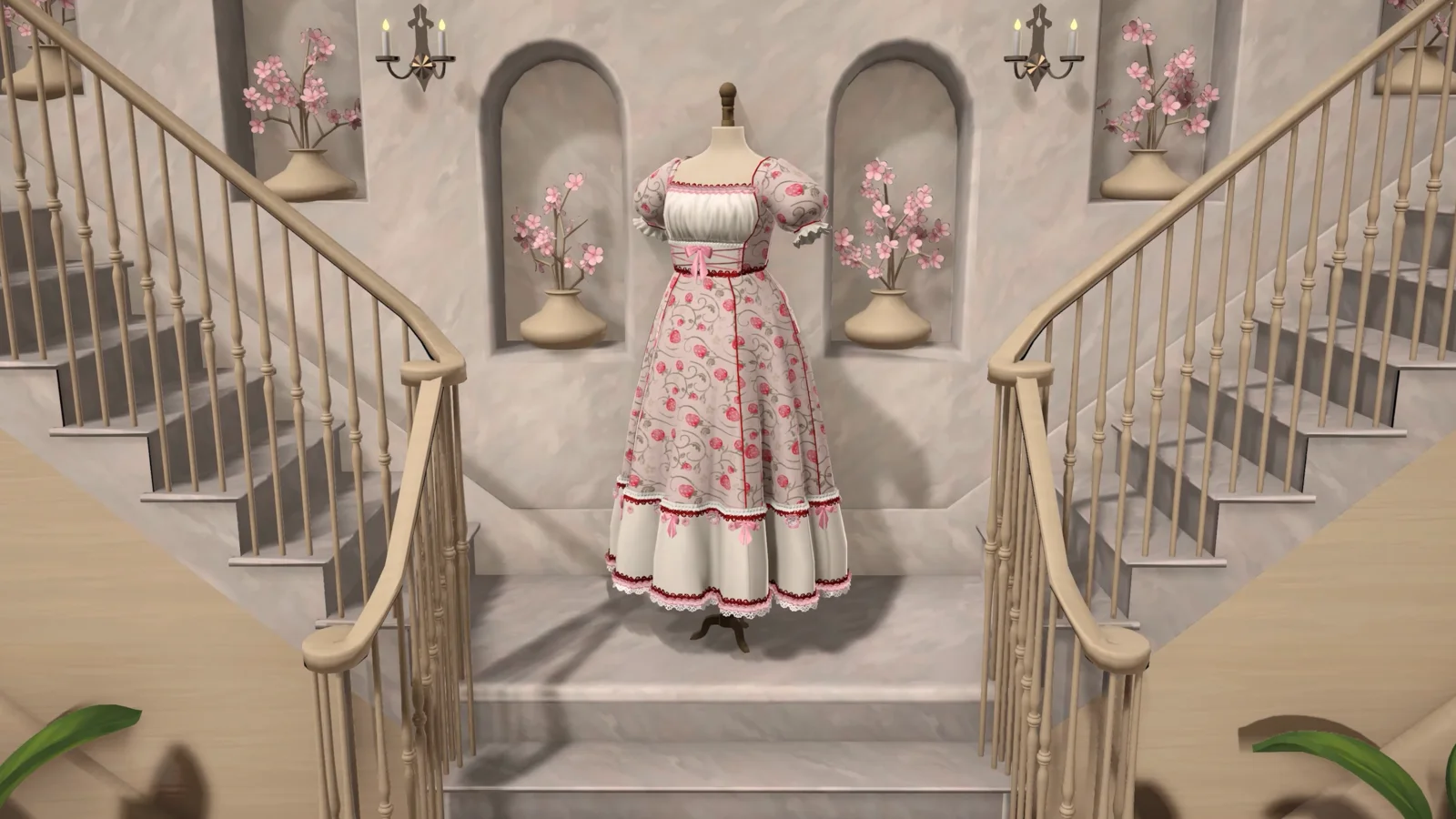
Edit or Remove Placed Trim in the Steam Game
For a local correction, hover over a red trim pin and check the yellow highlight before clicking. SilverLyrics reports that selecting the highlighted trim and right-clicking backs up to the previous pin; left-clicking a highlighted pin lets you continue from that point.
To remove the entire selected strip, Seerolz reports clicking the trim once and then the square X at the top. Make sure the selected strip is the one you intend to remove before confirming.
These are player-reported controls from SilverLyrics' trim guide ↗ (updated September 27) and Seerolz's gameplay notes ↗ (September 25), with no exact build stated. If your controls differ, follow the visible prompt and report the build. The prototype placement notes below are a separate version.
Before Placing Lace, Trim, or Piping
Finish required dress work first
Trim can add polish, but do not let decoration risk the core commission if your budget or patience is already thin.
Choose one edge at a time
Sleeve, hem, neckline, and bodice edges all need different camera angles. Finish one section before moving to another.
Set the camera before the pin
Rotate and zoom first. Once you are placing points, keep the camera still until that short segment is done.
Lace Placement Workflow
- Pick a short, visible edge such as one side of a sleeve or a small neckline section.
- Rotate the mannequin until the edge is not hidden by the body or fabric layers.
- Zoom only as much as you need. If zoom makes the camera jumpy, back out slightly.
- Place one lace point at a time instead of tracing the full edge quickly.
- After a curve, stop placing points, adjust the angle, then continue.
- If the lace preview looks wrong or disappears, stop and try a shorter section from a cleaner camera angle.
Piping Around Sleeves, Hems, and Necklines
Sleeves
Sleeves are the hardest area mentioned in recent comments because the camera angle and pin selection can overlap. Rotate until the sleeve edge is facing you, then place a few points and reset the angle before the curve turns away.
Necklines
Collars and necklines can hide behind the mannequin or upper bodice. Keep the line short and avoid starting where the dress edge is partially covered.
Hems
Long hems are tempting to trace quickly. For cleaner results, break the hem into small segments and rotate the dress between segments.
Layered skirts
If the trim is competing with a ruffle or tier, finish the visible outer edge first. Save hidden or awkward edges for last, or skip them if the placement keeps fighting you.
Sponsored
Pin Misclicks and Recovery
Several comments describe accidentally selecting a pin while trying to rotate the mannequin, or losing the current zoom state while trying to undo a misplaced point. Treat recovery as its own step instead of fixing the mistake while the camera is moving.
Safer recovery
- Stop placing new trim points.
- Move the camera to a stable view.
- Select only the mistaken point.
- Continue from the previous clean section.
Risky recovery
- Trying to rotate and remove pins at the same time.
- Dragging quickly across a hidden curve.
- Continuing after the preview already looks wrong.
- Spending the whole budget on decoration before the dress is safe.
Mannequin Zoom and Rotation Tips
- Use a medium zoom level for the first pass. Extreme zoom can make tiny camera movements feel larger.
- Rotate the mannequin until the target edge faces you directly before placing points.
- For sleeves, check both the front and side angle before pinning around the curve.
- If a pin is easy to grab by accident, rotate slightly away from it before moving the camera.
- If the camera or trim preview feels unstable, finish the dress without that decoration and report the case later.
Trackpad and Laptop Tips
Use a mouse if available
Recent comments describe lace work as harder on trackpads. A mouse gives more separation between clicking, dragging, and camera movement.
Lower pointer speed
If tiny movements overshoot the edge, reduce mouse or trackpad speed before placing trim.
Avoid edge gestures
Trackpad gestures can compete with game input. Keep fingers centered and use deliberate single clicks.
When to Skip Lace or Piping
Decoration is not worth losing a commission over. If the trim preview keeps disappearing, pins keep landing on the wrong part, or the camera keeps fighting you, finish the required dress first and use simpler decoration choices.
For budget-sensitive commissions, check the Fabric Budget Guide before spending money on optional finishing details.
FAQ
Why does piping on sleeves feel so hard?
Sleeves combine a curved edge, small target area, mannequin rotation, and nearby pins. Work in short segments and rotate the sleeve toward you before placing each group of points.
Is lace required for customer scoring?
Do not assume lace can rescue a failed request. In the prototype, fabric tags and core quality matter more for most reported scoring problems. Treat lace and piping as decoration unless the game explicitly asks for them.
What if right-click changes my zoom or camera?
Stop adding new points, reset the camera, and try to remove only the mistaken point from a stable view. If this keeps happening, finish the dress without that trim section.
Did the developers improve trims?
Prototype 0.5.1 included ease-of-use changes for trim placement. The later Steam Build 403 patch reports a separate fix for some items missing the lace-trim tag. Neither announcement establishes that every placement or commission-length problem is resolved.
Official references
- Official Dressmaker itch.io page for prototype status and recent public comments about lace, piping, pins, trackpad input, and mannequin movement.
- Official 0.5.1 devlog for the public note that trims received ease-of-use changes.
- Official Dressmaker Steam page for the released full game.